
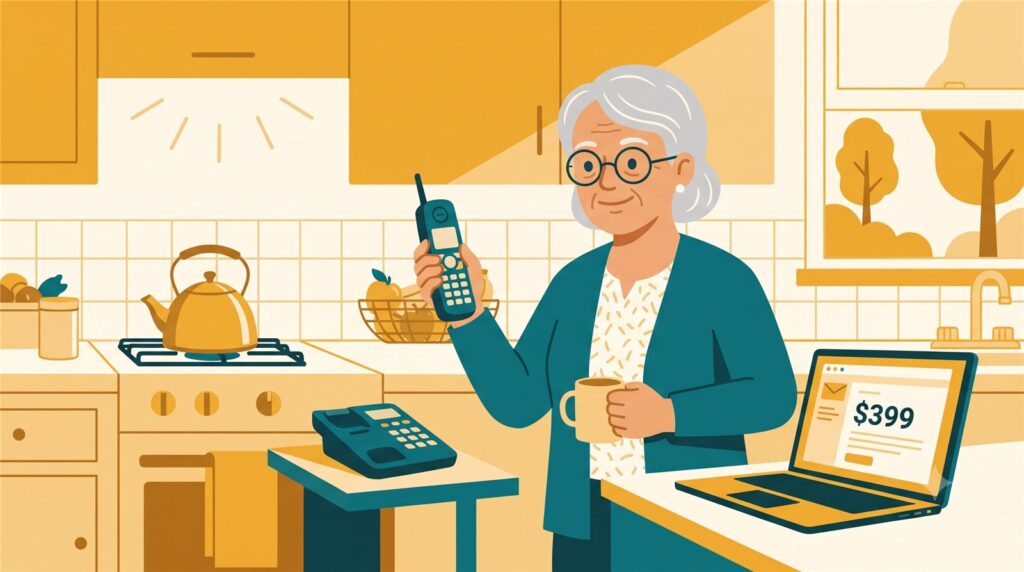
Mom called me on a Sunday afternoon, and she sounded excited.
“Kim, I got an email — they charged me $399 by mistake and they’re very sorry. I just need to call this number to get my money back. Should I call?”
“No, Mom. There was no charge. There is no refund. The phone call IS the scam.”
This one is sneaky, because it doesn’t ask you for money — it offers you money. That’s the bait. Nobody guards their wallet against a refund.
First, the truth check: look at your real card or bank statement. Not the email — the statement. If there’s no $399 charge on it (there won’t be), the story falls apart right there. A real refund for a real mistake shows up on your card by itself. Real refunds never need a phone call.
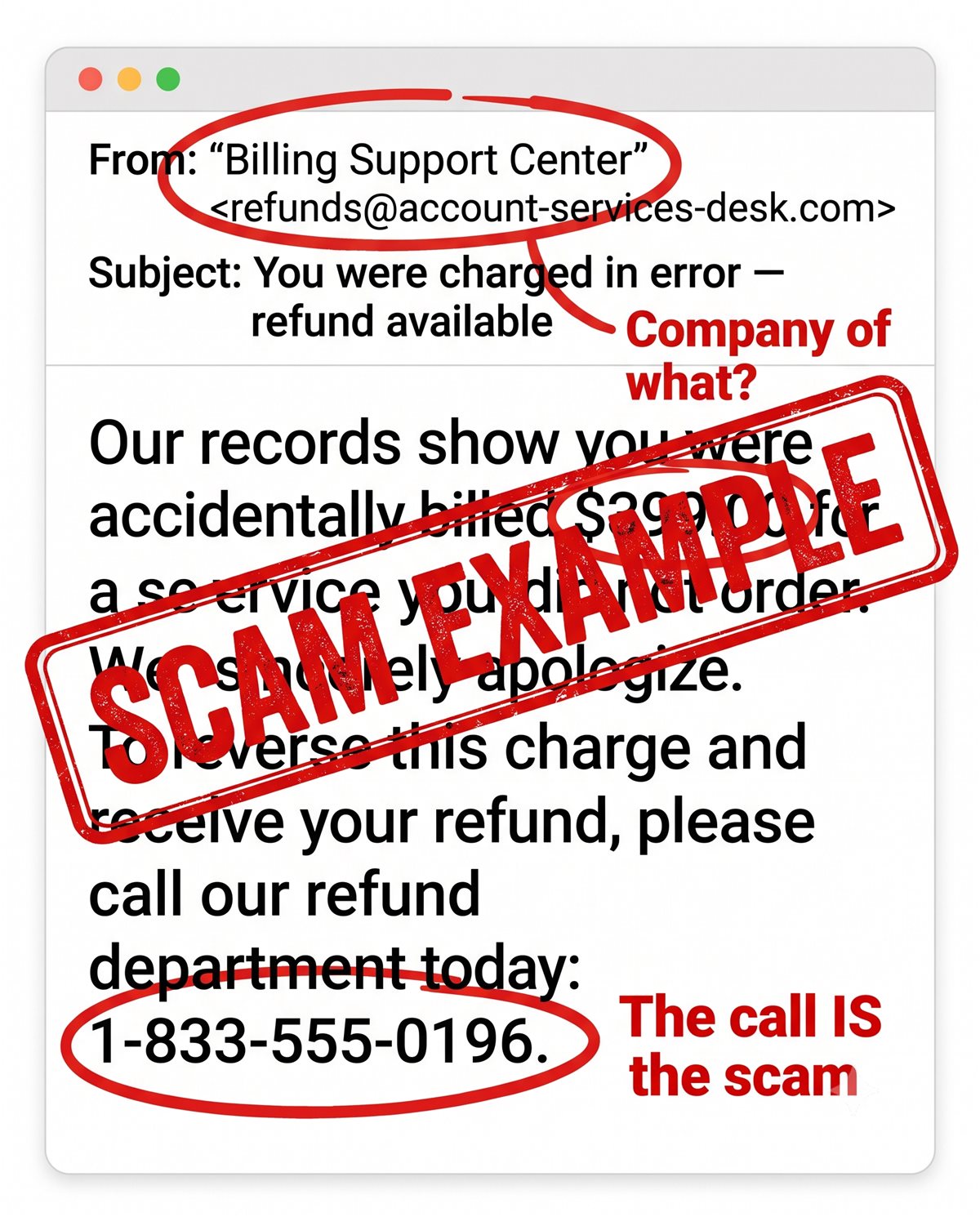
But say someone calls the number. The “refund department” answers on the first ring — real companies never do that — and here comes the play, in three acts:
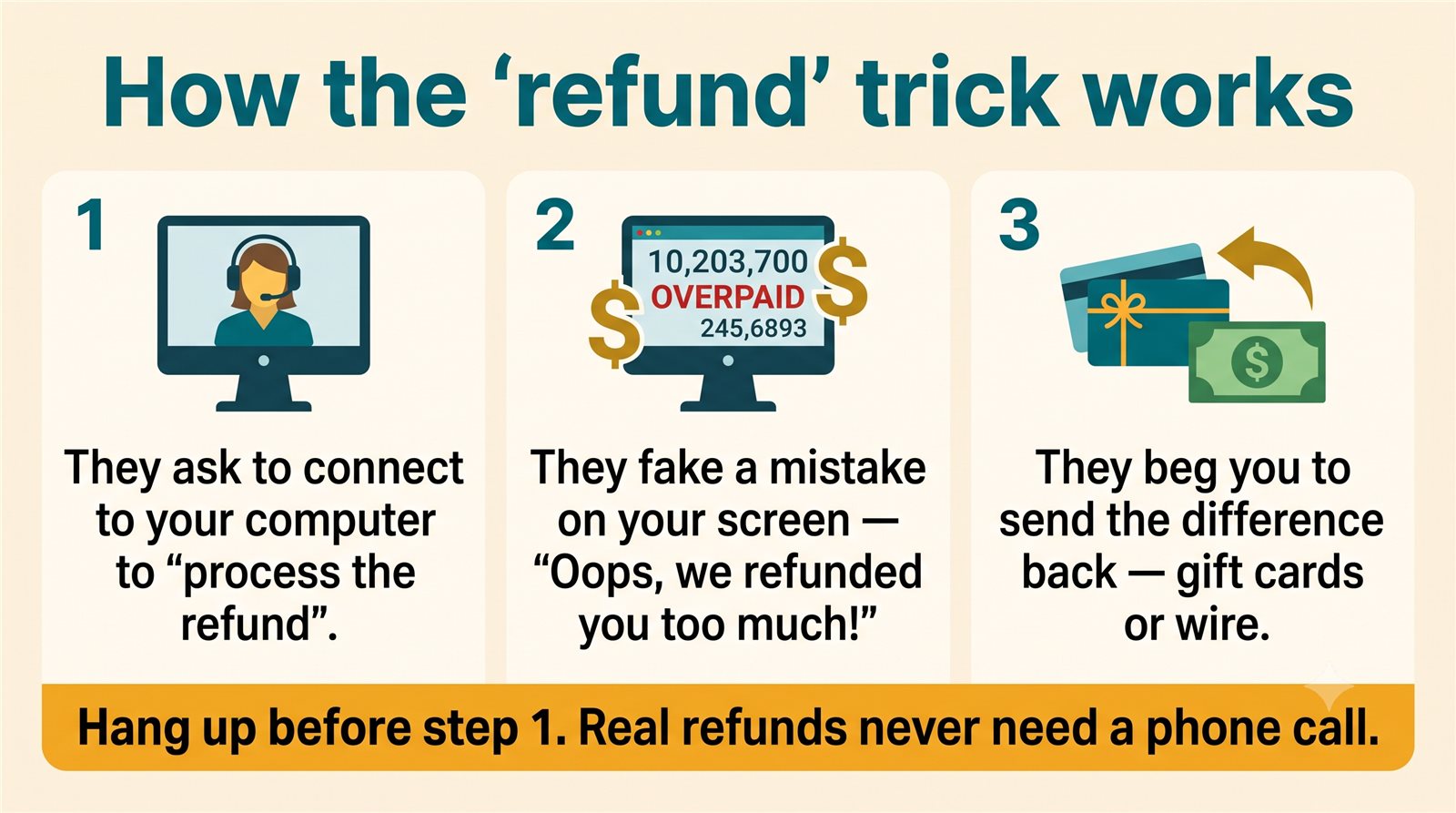
Act one: they need to connect to your computer to “process the refund.” Act two: with control of your screen, they fake a mistake — “Oh no, we refunded you $3,990 instead of $399!” It’s theater; no money moved at all. Act three: the friendly voice turns desperate — they’ll lose their job unless you kindly send the difference back. Gift cards. Wire. A trip to a Bitcoin machine. Real money, from your account, for a refund that never existed.
Kim’s 3 Rules
1. Real refunds appear on your card — no phone call needed.
2. Never let a stranger connect to your computer. Not to “help.” Not for a refund. Never.
3. Check your real statement, not their email.
If you already called — or let them in
No shame; these crews are professionals with scripts for every objection. If they connected to your computer: turn it off now, and have someone you trust check it before you do any banking on it. If you paid anything, call the number on the back of your card right away — the sooner the bank knows, the better your chances. Then report it at ReportFraud.ftc.gov and, if money moved, at ic3.gov (that’s the FBI’s own site for this, and yes, they want to hear about it).
Kim spent 30 years in computer security and now helps her 80-year-old mom — and you — stay safe online. Got a strange email, text, or call? Ask Kim first.


💡 Have a question for Kim? Use “Questions from readers” just above — Kim answers within the hour. Comments here are for sharing with other members (but Kim reads them too).
Loading comments…