
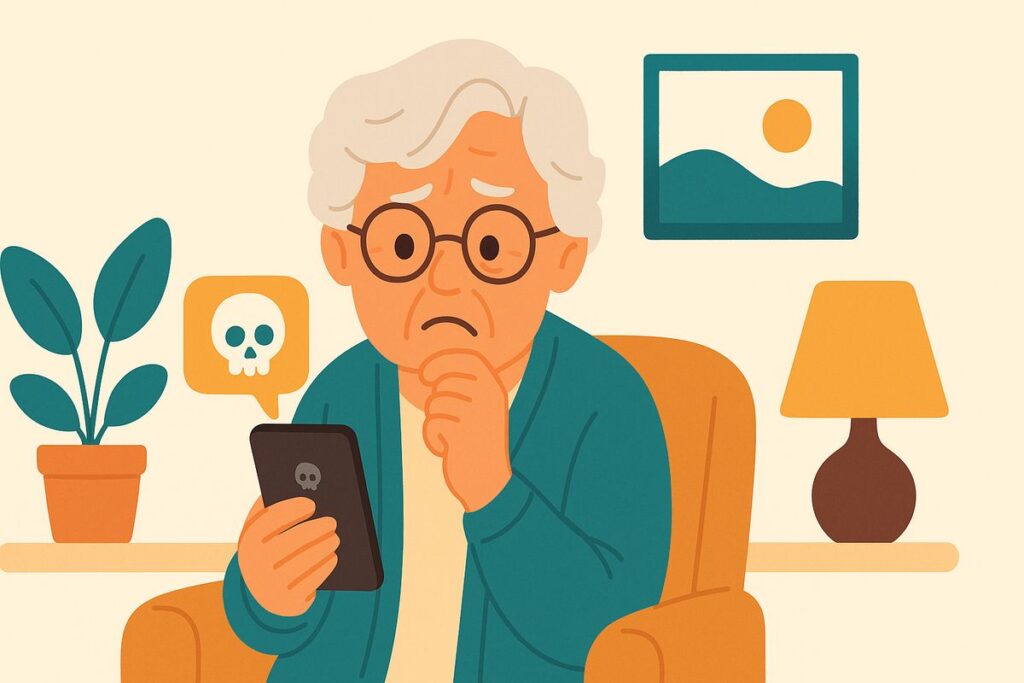
Mom forwarded me a text and asked, “Kim, is this really from my bank? It says my account is locked and I need to click here to unlock it right away.”
No, Mom — banks don’t send you a login link by text, and they never rush you. That “act now or lose your account” feeling is the whole trick. Delete it.
This one lands in millions of phones a day because it’s cheap to send and it works on a moment of worry. But it falls apart the second you slow down.
The text looks official — your bank’s name, maybe a logo, a warning that your account is “locked,” “suspended,” or has a “suspicious charge.” There’s always a link and always a hurry. Tap it and you land on a page that looks just like your bank’s, asking for your username, password, and often the code your real bank just texted you. Hand those over and the thief is into your account within minutes.
Here’s the rule that never fails: never reach your bank through a link someone sent you. Reach it the way you already know — open the bank’s own app, type their web address yourself, or call the number printed on the back of your card. That way you land at the real bank, not a copy. If there’s truly a problem, they’ll tell you. Nine times out of ten there’s nothing wrong at all.
And never, ever read a verification code back to someone who contacted you. Your bank will never call or text to ask for that code — only a thief does.
Kim’s 3 Rules
1. Banks don’t send login links by text, and they never rush you. A link plus a hurry means scam.
2. Reach your bank only the way you already know — its app, its printed number, or the address you type yourself.
3. Never read a text or app verification code to anyone who contacted you. That code is the key to your account.
If it already happened
If you tapped the link and entered anything, call your bank right away using the number on your card and tell them; they can lock the account and watch for fraud. Change your online-banking password from a device you trust. Report the text by forwarding it to 7726 (spells “SPAM”) and at ReportFraud.ftc.gov. No shame — these fakes are very good.
Mom didn’t tap a thing. She called her bank’s real number, confirmed her account was fine, and then texted me a little smiley face. “Passed the test,” she wrote.
Kim spent 30 years in computer security and now helps her 80-year-old mom — and you — stay safe online. Got a strange email, text, or call? Ask Kim first.
💡 Have a question for Kim? Use “Questions from readers” just above — Kim answers within the hour. Comments here are for sharing with other members (but Kim reads them too).
Loading comments…