
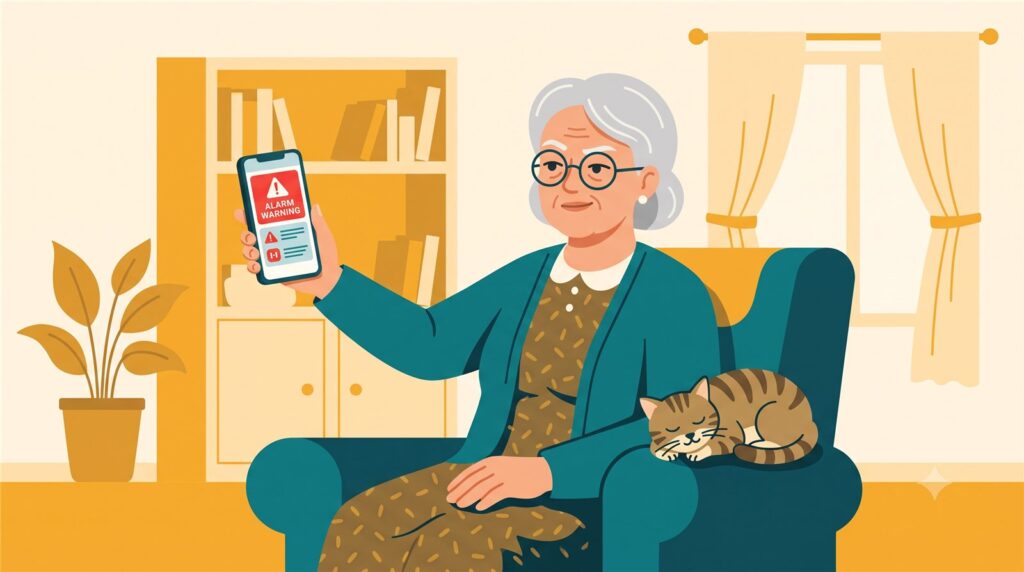
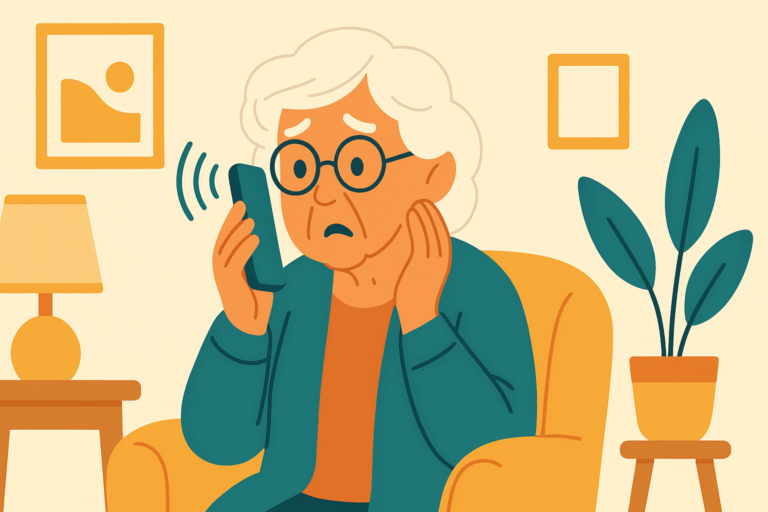
Mom called me before I finished my coffee.
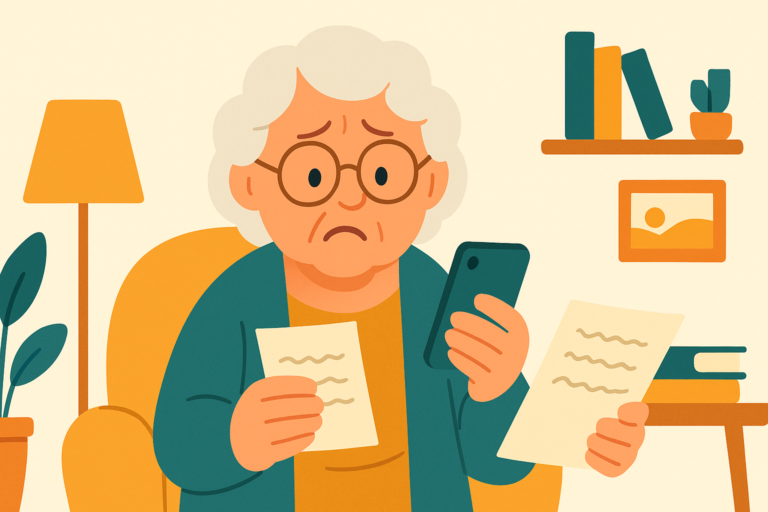
“Kim, I got a text message. It says my phone has three viruses and I need to download a cleaning program right away. Which button do I press?”
“None of them, Mom. Don’t press anything. That text is lying to you.”
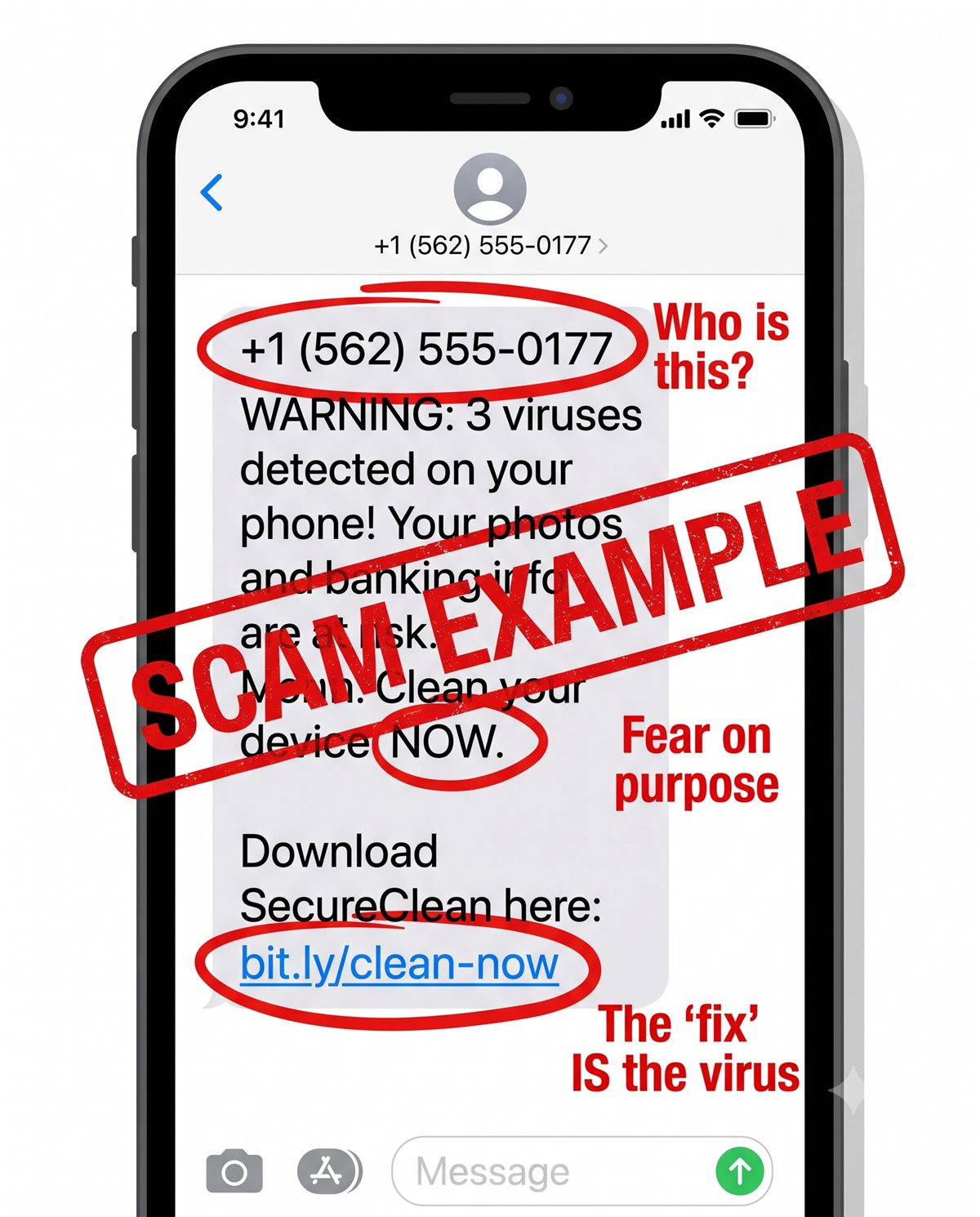
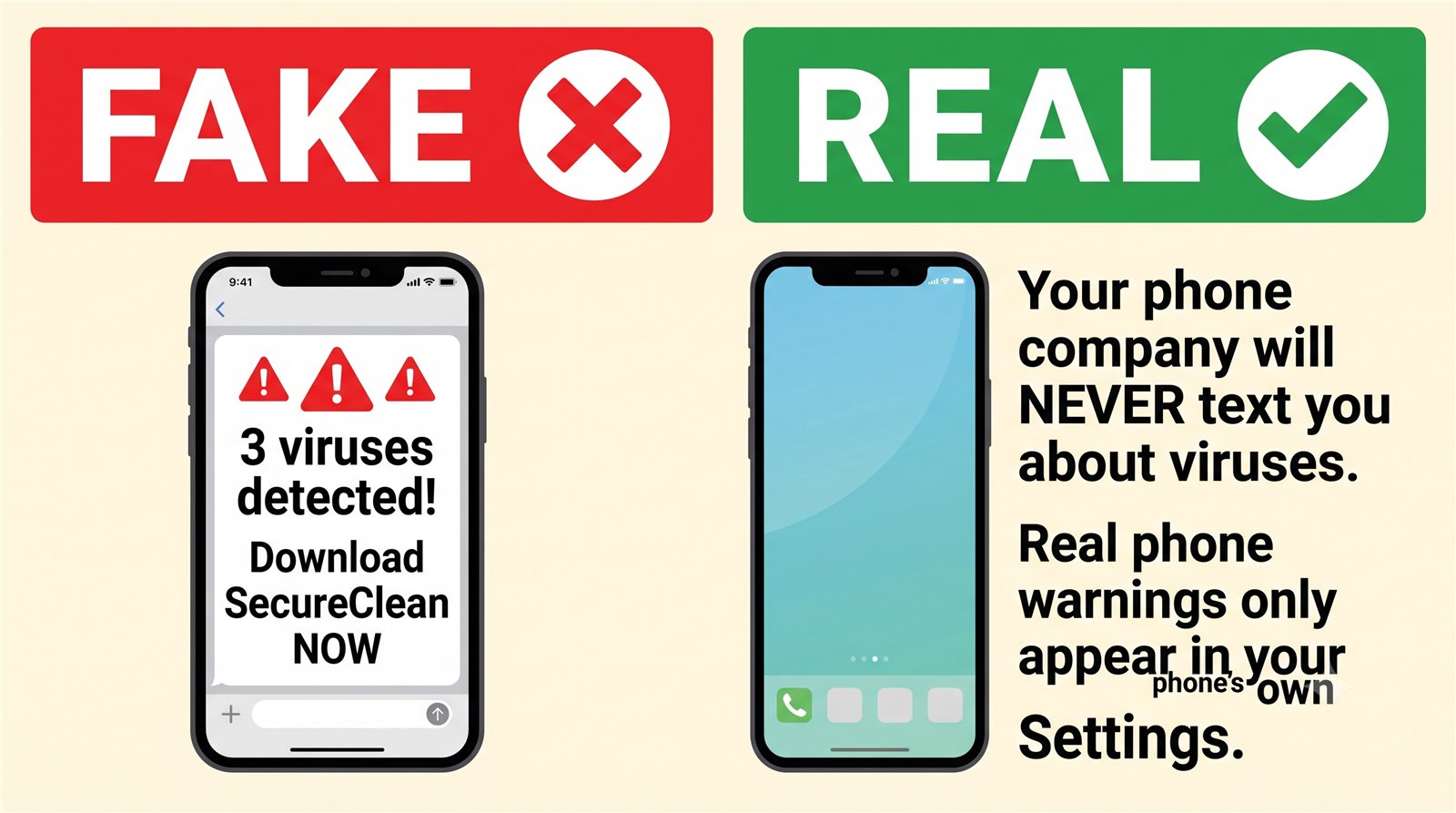
Here’s the strange-but-true part: your phone company does not check your phone for viruses, and it will never text you about one. Nobody is watching your phone’s health from afar. That text came from a stranger who sends the same message to thousands of numbers a day, waiting for someone to get scared and tap the link.
The message is built to frighten you — three viruses! your photos! your banking! — because frightened people tap first and think second. The scam is the “cure”: that download is the real virus. Install it and it can watch what you type, including your banking password.
The pop-up version works the same way. If a webpage suddenly fills your screen with alarms, flashing warnings, or even a voice telling you your computer is infected — it’s a stage play. A real virus does not announce itself with a phone number to call.
What did Mom do? She deleted the text and forwarded it to 7726 first — that’s a free reporting number that works on every phone company, and it helps them block the sender for everyone.
Kim’s 3 Rules
1. Your phone company never texts you about viruses.
2. Never download anything a text message tells you to.
3. Not sure? Ask someone you trust first. Delete later — a real problem doesn’t expire in an hour.
If you already tapped the link
Take a breath — this is fixable, and you won’t be the first person your phone store has helped with it. Don’t open your banking app until the phone has been looked at. If you downloaded something, have someone you trust (or your phone carrier’s store) remove it. Change your email password from a different device — your email is the master key to everything else. And report the text at ReportFraud.ftc.gov.
Kim spent 30 years in computer security and now helps her 80-year-old mom — and you — stay safe online. Got a strange email, text, or call? Ask Kim first.
💡 Have a question for Kim? Use “Questions from readers” just above — Kim answers within the hour. Comments here are for sharing with other members (but Kim reads them too).
Loading comments…