
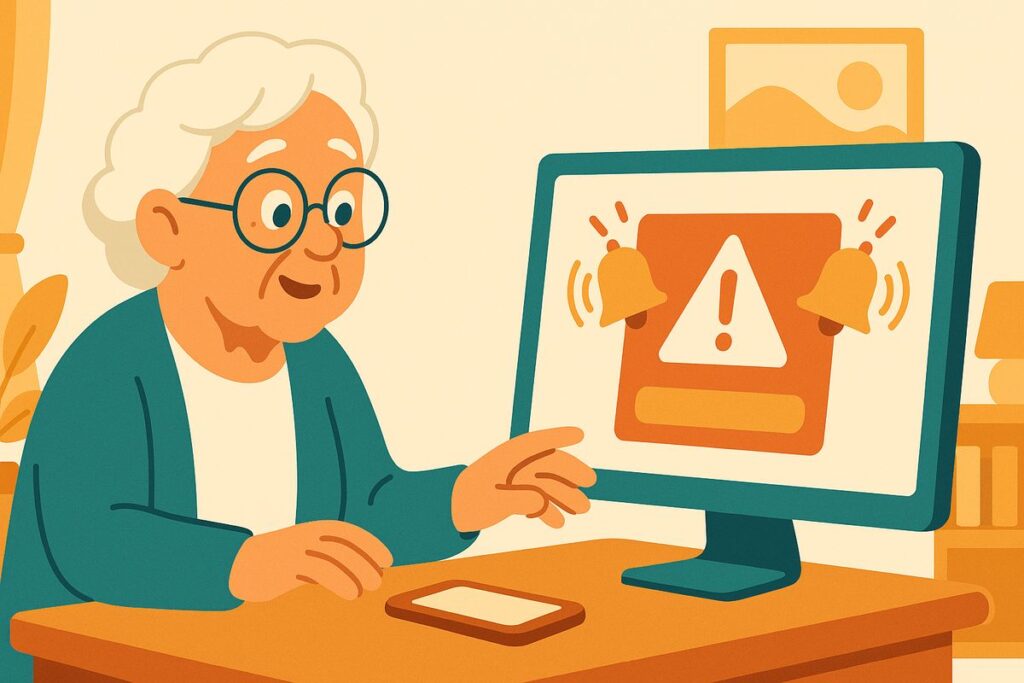
Mom called me a little rattled. “Kim, a message just took over my whole screen. It’s flashing red, there’s an alarm sound, and it says Microsoft found a virus and I have to call this number right now or I’ll lose everything. I was about to call — should I?”
Don’t call it, Mom. If you have to, just turn the screen off. That is not Microsoft. Microsoft has no idea what’s on your computer, and they will never call you about a virus.
I’ve spent 30 years keeping computer systems safe, and I’ll tell you what I told her: this is one of the most common scams there is, and the scary screen is a bluff.
It comes two ways, but it’s the same con. Sometimes it’s a phone call out of nowhere — “This is Microsoft (or Apple), we’ve detected a problem with your computer.” Sometimes it’s a pop-up that hijacks your screen with alarms, warnings, and a phone number. Both want the very same thing: for you to panic, call, and let a stranger “help.”
Here’s what happens if you call. The friendly “technician” asks to connect to your computer to look at the problem. The moment you let them in, they’re inside your house — they can watch you type your bank password, quietly install real spyware, or point at a made-up problem and charge you hundreds to “fix” it. Never let anyone you didn’t call connect to your computer.
The truth is boring, and that’s what makes it freeing: no real company watches your personal computer for viruses and calls you about it. Not Microsoft, not Apple, not your internet company. A genuine problem never arrives with a phone number and a countdown.
So the fix for the pop-up is easy: don’t call the number, don’t click anything inside it. Close the browser — and if it won’t close, hold the power button to restart. That frightening screen is just a webpage, not your computer breaking. For a phone call, simply hang up. If you’re ever truly worried about your computer, take it to a local shop or a person you trust.
Kim’s 3 Rules
1. Microsoft, Apple, and your internet company will never call you about a virus.
2. A pop-up with an alarm and a phone number is a scam — close it, don’t call it.
3. Never let anyone you didn’t call connect to your computer.
If you already called or let them in
It happens to sharp people every day — the screen is built to frighten. Turn the computer off and have someone you trust look at it before you do any banking on it. If you paid, call your card company and tell them it was a scam. Change your important passwords — email and bank first — from a different device. Then report it at ReportFraud.ftc.gov.
Mom’s flashing screen? She turned the monitor off, made herself a cup of tea, turned it back on a minute later — and it was gone. That’s usually all it takes.
Kim spent 30 years in computer security and now helps her 80-year-old mom — and you — stay safe online. Got a strange email, text, or call? Ask Kim first.


💡 Have a question for Kim? Use “Questions from readers” just above — Kim answers within the hour. Comments here are for sharing with other members (but Kim reads them too).
Loading comments…