
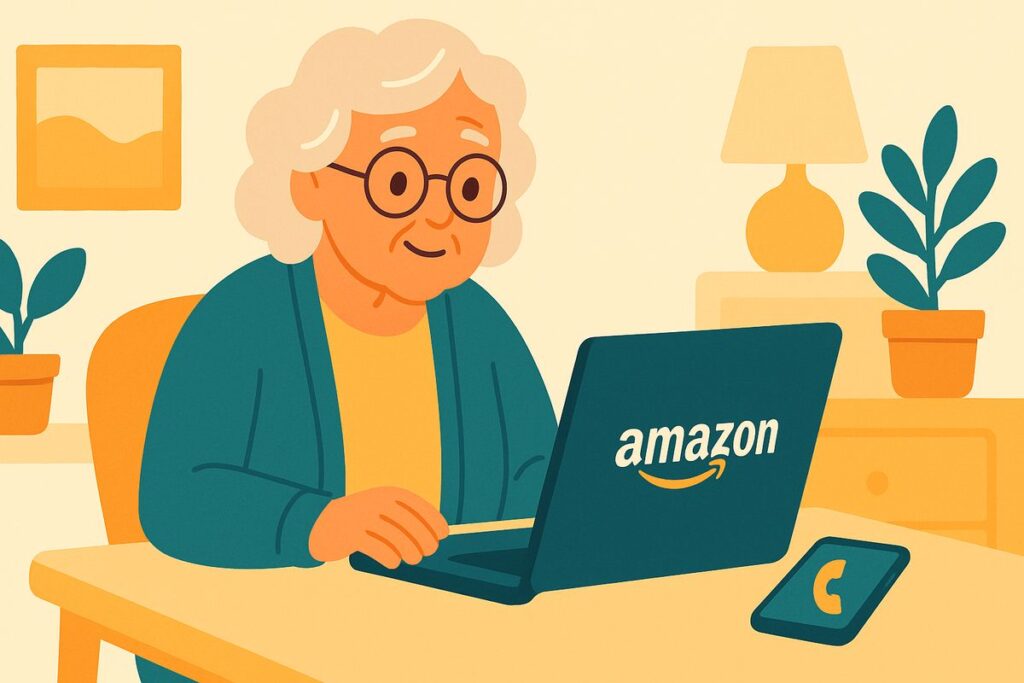
“Kim, I got a call — a recording said there’s a $799 order on my Amazon account and to press 1 if I didn’t make it. I never ordered anything for $799. I almost pressed 1.”
Don’t press anything, Mom — just hang up. Amazon doesn’t call you like that, and there’s no $799 order. The scary charge is made up to get you on the phone.
It’s a smart trick, because “there’s a big charge you didn’t make” makes almost anyone want to sort it out fast. That’s exactly what they’re counting on.
A call, text, or email claims there’s a big purchase, a renewed membership, or a problem with your Amazon (or Apple, or PayPal) account. Press 1 or call the number, and a friendly “representative” offers to “cancel the charge.” To do that, they say, they need to connect to your computer, or confirm your card, or send you a refund that “accidentally” goes through for too much (see the overpayment trick). Every path leads to your money or your account.
The truth: no real company calls out of the blue about a charge and asks to remote into your computer or wants a gift card. If you ever wonder whether something’s really going on with an account, don’t use the number or link they gave you. Open the Amazon app or type amazon.com yourself and check “Your Orders.” If there’s no $799 order there — and there won’t be — there was never a charge.
Kim’s 3 Rules
1. Amazon, Apple, and PayPal don’t call, text, or email you to “confirm” a charge and rush you to act.
2. Check your account only in the real app or by typing the address yourself — never a number or link they sent.
3. Never let anyone you didn’t call connect to your computer or send you a “refund.” That’s the trap.
If it already happened
If you let someone connect to your computer, turn it off and have someone you trust check it before banking on it, and change your important passwords from another device. If you shared card details, call your card company. Report it at ReportFraud.ftc.gov. You’re far from alone — this is one of the most reported scams there is.
Mom hung up and opened her Amazon orders with me on the phone. The most expensive thing there was a $12 birthday card. We had a good laugh about her imaginary $799 splurge.
Kim spent 30 years in computer security and now helps her 80-year-old mom — and you — stay safe online. Got a strange email, text, or call? Ask Kim first.
💡 Have a question for Kim? Use “Questions from readers” just above — Kim answers within the hour. Comments here are for sharing with other members (but Kim reads them too).
Loading comments…