
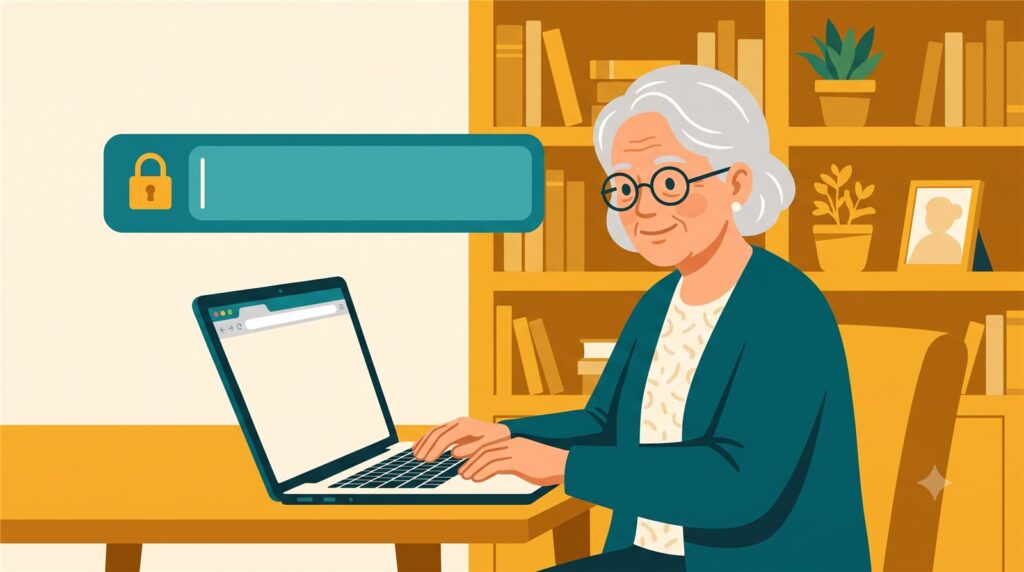
Mom called me with her reading glasses still on.
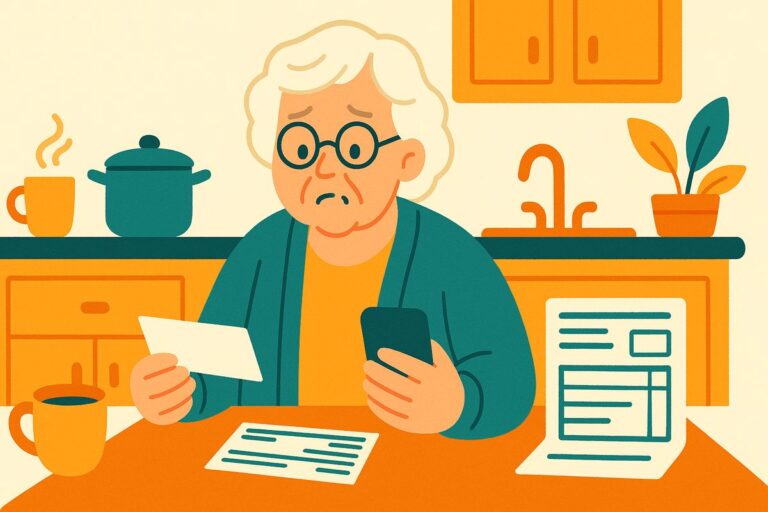
“Kim, I have an email from Apple. It says there’s a problem with my account and I need to sign in today or it’ll be locked. There’s a blue button.”
“Don’t click the button, Mom.”
This scam has one goal: your password. The email is fake, and the button leads to a fake Apple sign-in page — a perfect copy. Type your name and password there and you haven’t signed in to anything. You’ve handed your keys to a stranger through a copy of your own front door.
Two things to look at, and you’ll beat this scam every time.
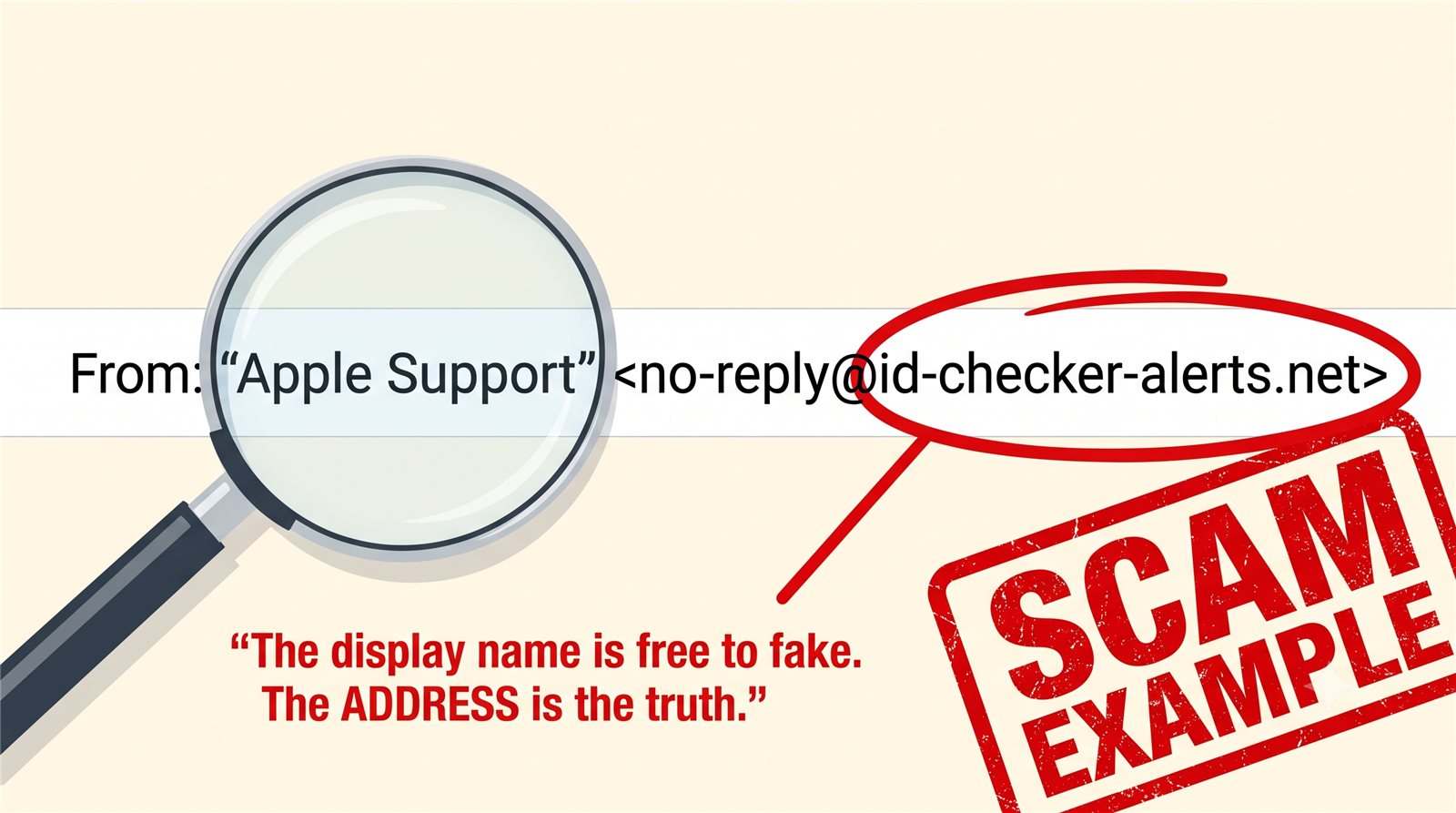
First, the sender. The name on an email — “Apple Support” — is like the name tag at a party: anyone can write anything on it. The real information is the address in the angle brackets after it. If it isn’t @apple.com, it isn’t Apple. The name is free to fake. The address is the truth.
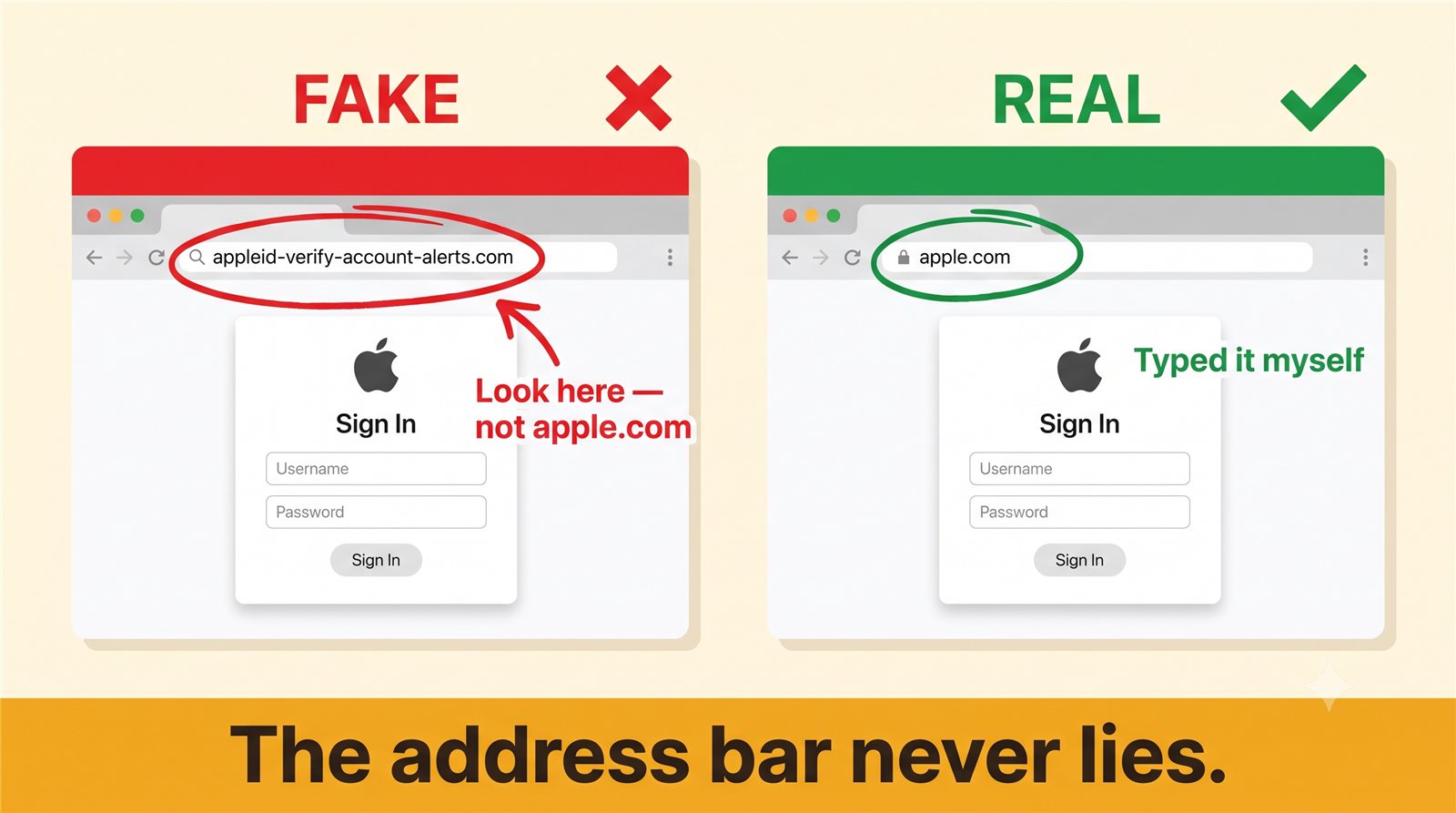
Second, the address bar. A fake page can copy Apple’s logo, colors, and fonts perfectly — but it cannot sit at apple.com. The address bar at the top of your browser is the one thing a scammer can’t counterfeit. The address bar never lies.
So here’s the whole defense in one habit: never sign in from a link inside an email. If you think Apple (or your bank, or Amazon, or Netflix — this scam wears every costume) really needs you, close the email and type the address yourself. Go in the front door. If there’s a genuine problem with your account, it will be waiting for you there.
Kim’s 3 Rules
1. Never sign in from a link inside an email.
2. Type the address yourself — go in the front door.
3. The address bar never lies.
If you already signed in on a strange page
Move quickly, but don’t panic — minutes matter more than perfection. Go to the real site (type it yourself) and change that password now. If you use the same password anywhere else — and most of us have — change it there too, starting with your email and your bank. Turn on two-step verification if the site offers it; that’s a second lock the scammer doesn’t have. Then keep an eye on your statements for a few weeks, and report the email at ReportFraud.ftc.gov.
Kim spent 30 years in computer security and now helps her 80-year-old mom — and you — stay safe online. Got a strange email, text, or call? Ask Kim first.

💡 Have a question for Kim? Use “Questions from readers” just above — Kim answers within the hour. Comments here are for sharing with other members (but Kim reads them too).
Loading comments…