
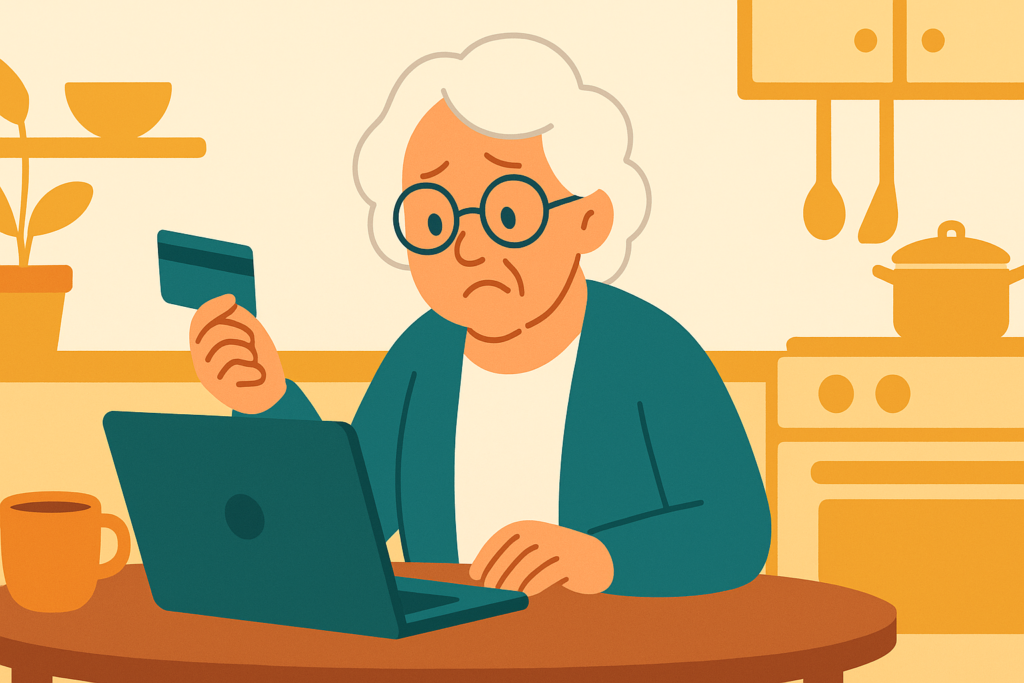
Mom called me holding her tablet at arm’s length. “Kim, I got an email from Netflix. It says my monthly payment didn’t go through and my account has been stopped, and there’s a red button to ‘Update Payment Details.’ I don’t want to lose my shows — should I click it?”
Don’t click a thing, Mom. That email is a scam, and it’s a clever one — I’ve seen the exact same trick wearing an Amazon, a Hulu, and an Apple costume. But once you know the tells, you’ll spot it every time.
These “your payment failed” emails are everywhere because nearly everyone has a subscription to *something*, and losing it feels urgent. That urgency is the whole trap. Here’s how it works, and how to see through it.
The email looks polished — the right logo, the right colors, an official-sounding “Membership Update.” It says your payment “was not successful” and your account is “temporarily stopped,” then offers a big, friendly button: Update Payment Details. Click it and you land on a page that looks just like the real login — but it’s a fake, built to capture your password and your credit card number the moment you type them.
Now look closer at the one Mom got, because the tells are all there. The sender wasn’t really Netflix — behind the “Netflix” name, the actual address was a random one like *[email protected]*. It opened with “Dear Valued Customer” instead of her name — a real company that bills you every month knows your name. There was an attachment (a strange “.bin” file), and legitimate billing emails don’t send attachments — never open one. And the button, if you hovered over it, pointed to a website that had nothing to do with Netflix.
Here’s the habit that beats it every single time: never fix a billing problem from a link in an email. If you’re worried your subscription really did lapse, close the email and go to the service the way you always do — open the Netflix app on your TV, or type netflix.com into your browser yourself, and check your account there. Real billing problems show up inside your account, and you can update your card safely from there. Nine times out of ten, you’ll find nothing wrong at all.
Kim’s 3 Rules
1. A “your payment failed, update now” email is a scam until you’ve checked inside the real app or website yourself.
2. Never click “Update Payment Details” in an email — open the app or type the website address yourself, and fix billing there.
3. Check the real sender address, look for “Dear Customer” instead of your name, and never open an attachment from a billing email.
If you already clicked
It happens to careful people — these emails are designed to look real. If you entered your card number, call your card company right away and tell them it was a scam; ask them to watch the account or send a new card. Change your streaming password (and anywhere else you used that same password) from a device you trust. You can report the email as phishing to your email provider, and forward scam texts to 7726. Then let a family member know — not because you did anything wrong, but so they can keep an eye out too.
Mom didn’t click. She opened Netflix right on her TV, saw her account was perfectly fine, and finished her episode. Then she forwarded the email to me with three words: “Nice try, crooks.”
Kim spent 30 years in computer security and now helps her 80-year-old mom — and you — stay safe online. Got a strange email, text, or call? Ask Kim first.
💡 Have a question for Kim? Use “Questions from readers” just above — Kim answers within the hour. Comments here are for sharing with other members (but Kim reads them too).
Loading comments…