
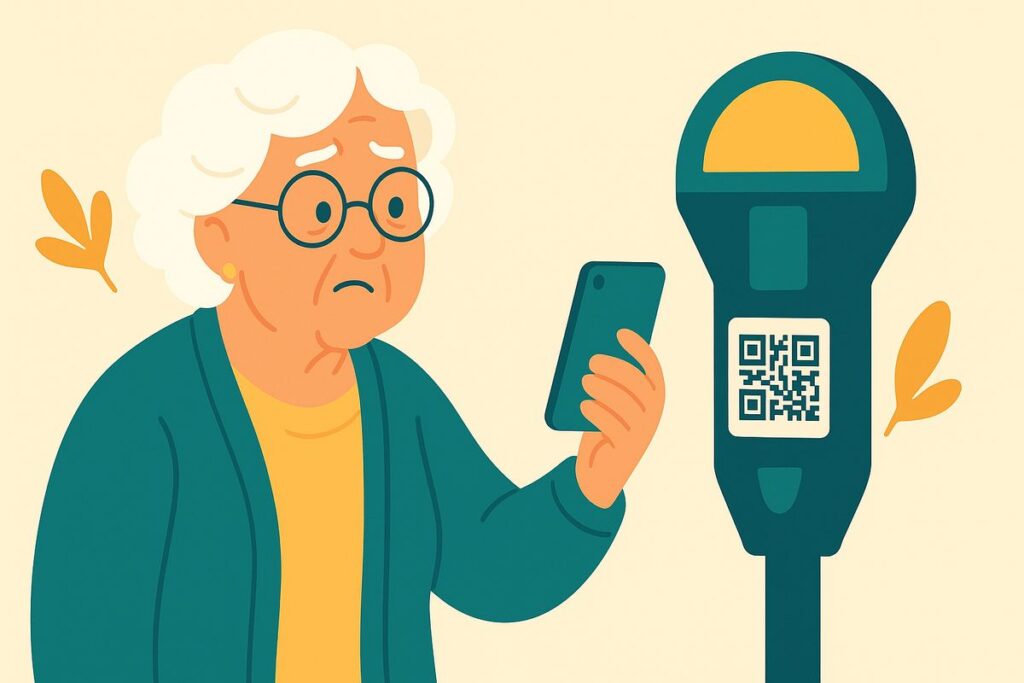
“Kim, what’s the harm in scanning one of those little square codes? There was one on a parking meter, and another came in a letter about a package. My phone just opens them right up.”
That’s exactly the problem, Mom — your phone opens them right up, and you can’t see where they lead until it’s too late. A QR code is just a link in disguise. Scammers have learned to put their own codes where you least expect them.
These little squares are everywhere now, which is why crooks have started using them — they feel modern and harmless, and that’s the trick.
A QR code hides a web address inside a pattern. That’s handy — until someone points it somewhere bad. Scammers stick fake codes over real ones on parking meters and restaurant tables, mail them in official-looking letters, or put them in emails and texts. Scan the fake and you land on a page built to steal your card number or password, or to load harmful software onto your phone. Because you can’t read a code with your eyes, you don’t know where it goes until you’re already there.
The habit that keeps you safe: be as careful with a QR code as with any link from a stranger. Don’t scan codes on stickers, in unexpected mail, or in emails and texts you didn’t ask for. To pay a meter or a bill, use the official app or type the address yourself. And if scanning a code ever asks you to log in or enter payment, stop — a legitimate menu or parking page rarely needs your password.
Kim’s 3 Rules
1. A QR code is just a hidden link — treat it like a link from a stranger.
2. Don’t scan codes on stickers, surprise mail, or unexpected emails and texts.
3. If a scanned code asks you to log in or enter card details, stop. Use the official app or type the address yourself.
If it already happened
If you entered a password or card details after scanning a code, change that password from a trusted device and call your card company. If your phone is acting strangely, have someone you trust check it. Report it at ReportFraud.ftc.gov.
Mom now calls them “mystery squares.” She skipped the meter code, paid at the machine with her card, and told me she felt a little like a detective. She’s not wrong.
Kim spent 30 years in computer security and now helps her 80-year-old mom — and you — stay safe online. Got a strange email, text, or call? Ask Kim first.
💡 Have a question for Kim? Use “Questions from readers” just above — Kim answers within the hour. Comments here are for sharing with other members (but Kim reads them too).
Loading comments…