
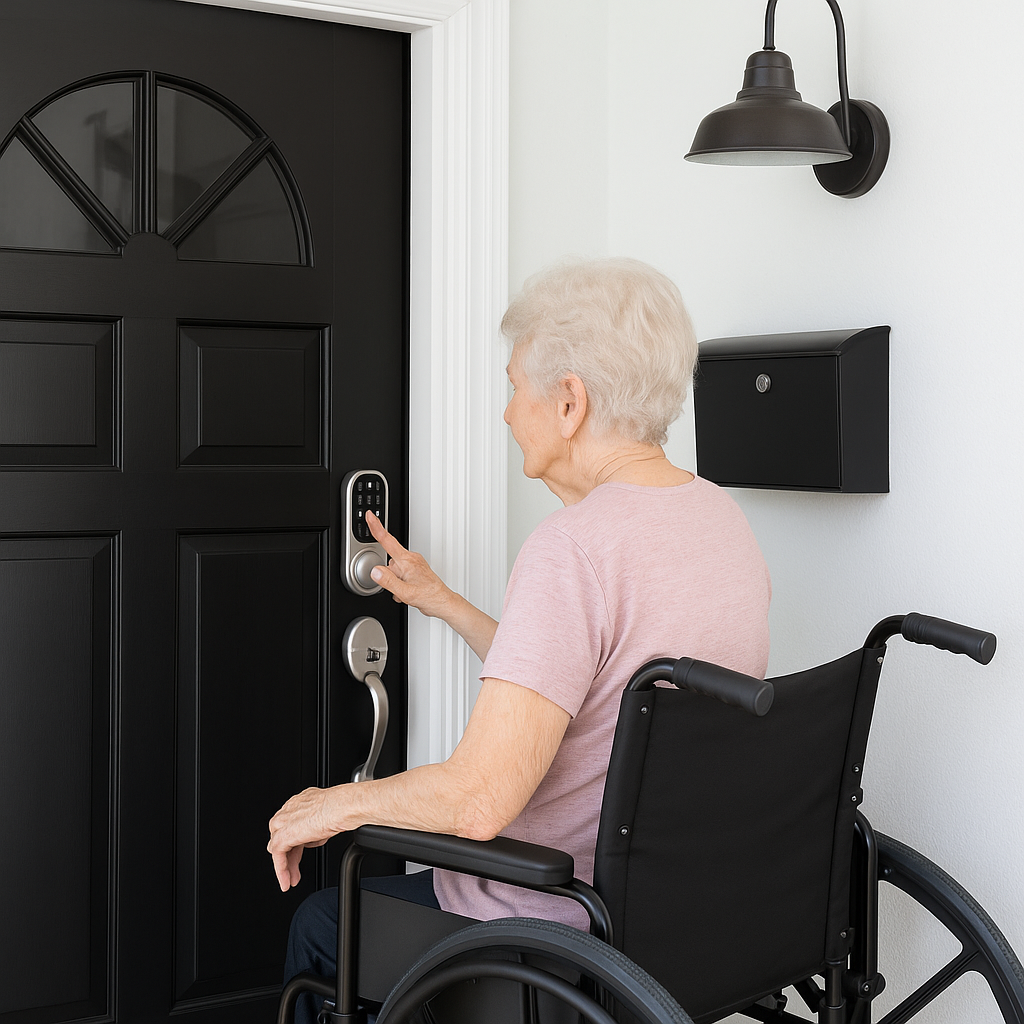
Your Parent Lives Alone — Can They Even Get Back Inside If They Lose Their Keys?
REAL-WORLD WAKE-UP CALL: According to the CDC, more than 1 in 4 adults aged 65 and older fall each year — and over half of those falls happen at home. Fumbling for keys on a dark porch, bending down to find a hidden spare, or standing at the door with full hands all increase fall risk. A lockout can quickly become an emergency.
As our parents age, they deserve both independence and security. The Yale Assure Lock 2 with keypad and app-based access is designed to be a thoughtful upgrade for seniors living alone — especially those who may occasionally misplace keys or need help getting through the door.
Why Families Are Installing Smart Locks for Elderly Loved Ones
No Keys to Fumble With
Traditional keys can be frustrating or easily forgotten. The Yale Assure Lock 2 allows your parent to unlock the door using a simple 4–8 digit PIN code on a backlit keypad — no need to dig through bags or worry about losing keys on a walk. The keypad is designed to be fingerprint-resistant for added security.
Support Them Remotely When Needed
If your loved one forgets their PIN or a caregiver needs access, you can unlock the door from your phone using the Yale Access app — wherever you are. No more hiding spare keys under the mat or calling an emergency locksmith. You can also share up to multiple unique entry codes with family, caregivers, or trusted visitors — and schedule when each code works.
Designed for Comfort and Confidence
- Key-free entry may help reduce stress at the front door
- Backlit keypad is designed to be easy to see at night
- App-based access lets you monitor when doors are locked or unlocked
- DoorSense® sensor can track whether the door is open or closed
- Works with voice assistants including Amazon Alexa, Google Assistant, and Siri
Ask a caregiver, family member, or handyman to help with installation. Once set up, everything runs automatically but still requires spot checks by caregivers and seniors once in a while.
Yale Assure Lock 2 (Key-Free Keypad with Wi-Fi)
- Remove your existing deadbolt. You only need a Phillips-head screwdriver — no drilling or special tools required.
- Install the new latch bolt and strike plate into the existing door holes.
- Mount the exterior keypad on the outside of the door and thread the cable through.
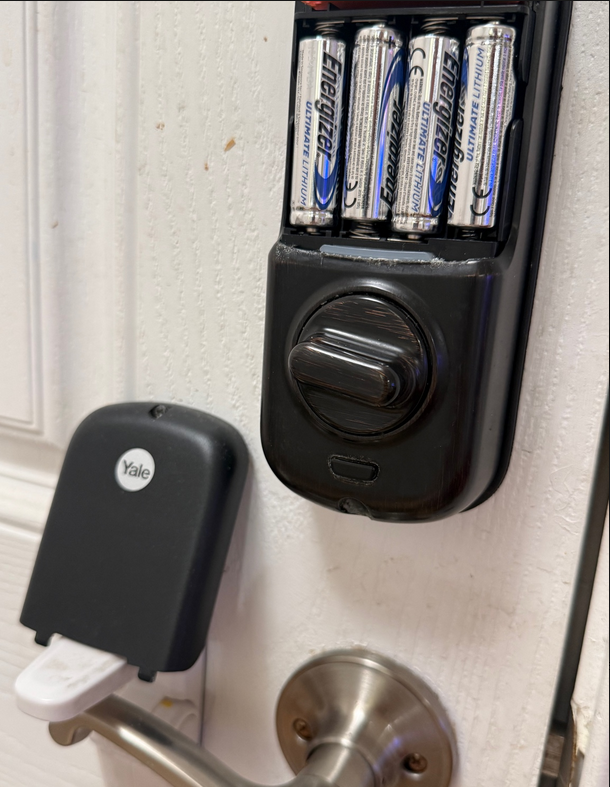
- Attach the interior mounting plate and lock body. Insert 4 AA batteries (included) but use Energizer Ultimate Lithium AA battery for long lasting than regular AA batteries, so seniors and caregivers do not need to replace often. Read our GoldieCircle’s battery article for additional information.
- Download the Yale Access app (free) on your iPhone or Android. Follow the in-app setup to connect the lock to your Wi-Fi network (2.4 GHz only).
Set Up iPhone Alerts (You + Family):
- In the Yale Access app: Tap the lock → Settings → Notifications → turn ON. Verify your iPhone Settings → Notifications → Yale Access is ON.
- Add family members: In the app, go to Lock Settings → Guest Access → Invite. They install the Yale Access app, accept the invite, and can unlock remotely or receive their own alerts.
- Create a PIN for your parent: In the app, go to Guest Access → Create Code → enter a 4–8 digit code. Choose “Always Active” for your parent’s personal PIN.
- Tip: Enable Auto-Lock so the door locks itself after closing. Turn OFF “Do Not Disturb” on your phone or add Yale Access as an exception so you don’t miss alerts.
Safe Without Overstepping
- Keep them in control by letting them choose their own PIN
- Only unlock remotely with permission or in emergencies
- Share temporary codes with trusted visitors or caregivers — set expiration dates
- Review the activity feed to see when doors were locked or unlocked — without installing cameras
Modern locks are not about taking away independence — they’re about making it easier to live confidently at home.
Things to Consider
- The Yale Assure Lock 2 replaces your existing deadbolt. It is designed to fit most standard U.S. entry doors (1 3/8” to 2 1/4” thick). Measure your door before purchasing.
- lock runs on 4 AA batteries (included). For smart home devices, Energizer Ultimate Lithium batteries are a top pick — designed to last longer than standard alkaline batteries in high-drain electronics. The Yale Access app can send low-battery notifications ahead of time, so you’ll have plenty of warning before they need replacing. In the rare event that batteries run out completely, a 9V backup battery can be held to the exterior keypad to power the lock temporarily (see image below).
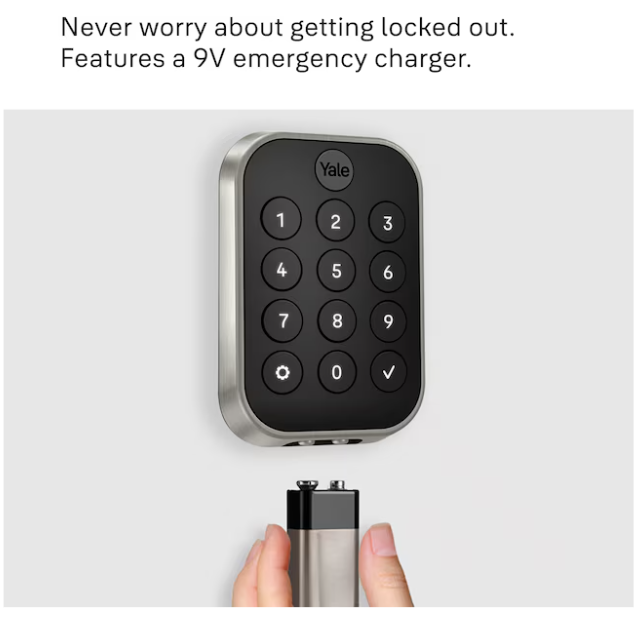
Photo adopted from Lowes.com/Yale-Assure-Lock-2
- The key-free model has no physical keyhole. If your parent prefers a physical key backup, Yale offers a keyed version of the same lock.
- Renters or those with strict HOA rules should check whether replacing a deadbolt is permitted before installing.
- For wheelchair users or those with limited mobility, the keypad height may need to be considered during installation to ensure comfortable reach.
- This product is not a substitute for a comprehensive home security system. Consult a security professional if your loved one has specific safety concerns.
Goldie’s Table — Gifts for Loved Ones
|
Product |
Why It Helps Seniors |
Link |
|
Yale Assure Lock 2 Key-Free Keypad with Wi-Fi (Satin Nickel) |
PIN-based keypad entry — no keys to lose. App-based remote unlock from anywhere. Auto-Lock with DoorSense® sensor. Up to 250 shareable entry codes. Works with Alexa, Google Assistant, and Siri. Installs with just a screwdriver. |
|
|
Yale Assure Lock 2 Key-Free Touchscreen with Wi-Fi (Black Suede) |
Same features as the keypad model, but with a touchscreen display. May be easier for some seniors to read and tap. Available in multiple finishes. |
|
|
Yale Wi-Fi Smart Module (Add-On) |
If you already own a Yale Assure Lock 2 with Bluetooth only, this module adds Wi-Fi connectivity for remote access, voice control, and app notifications. |
|
|
Energizer Ultimate Lithium AA Batteries (Longest Lasting) |
A 24-pack can last for years, reducing hassle for seniors and caregivers. |
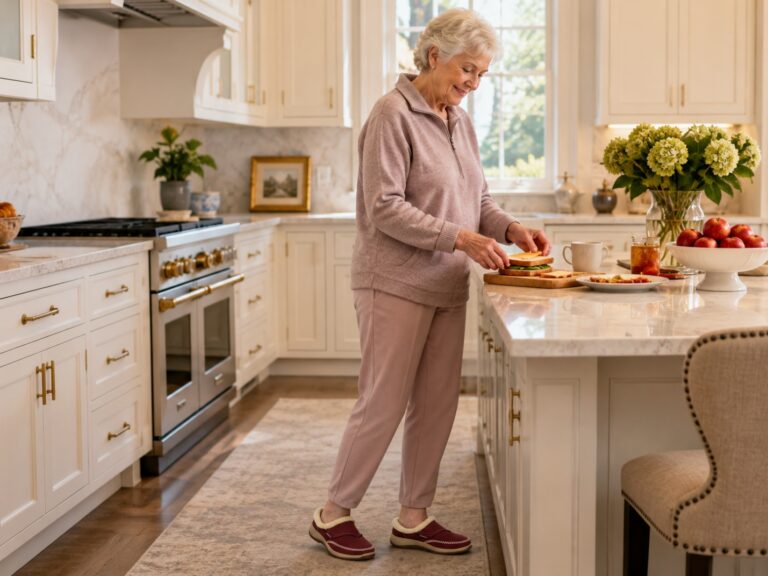
Photo adopted from ChatGPT.
Disclaimer: GoldieCircle may feature third-party products and services based on internal evaluation. Such top picks do not constitute a warranty or guarantee of performance, suitability, or lifespan. All products are subject to their respective manufacturers’ terms and conditions. GoldieCircle assumes no liability for any claims or damages arising from the use of any featured product or service.

Loading comments…