
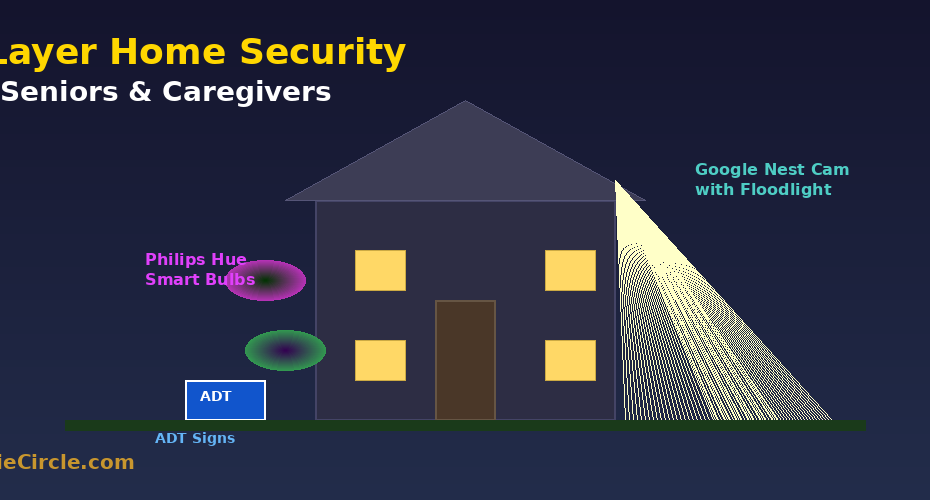
🛡️ If Your Parent Lives Alone, Read This: Smart Home Security
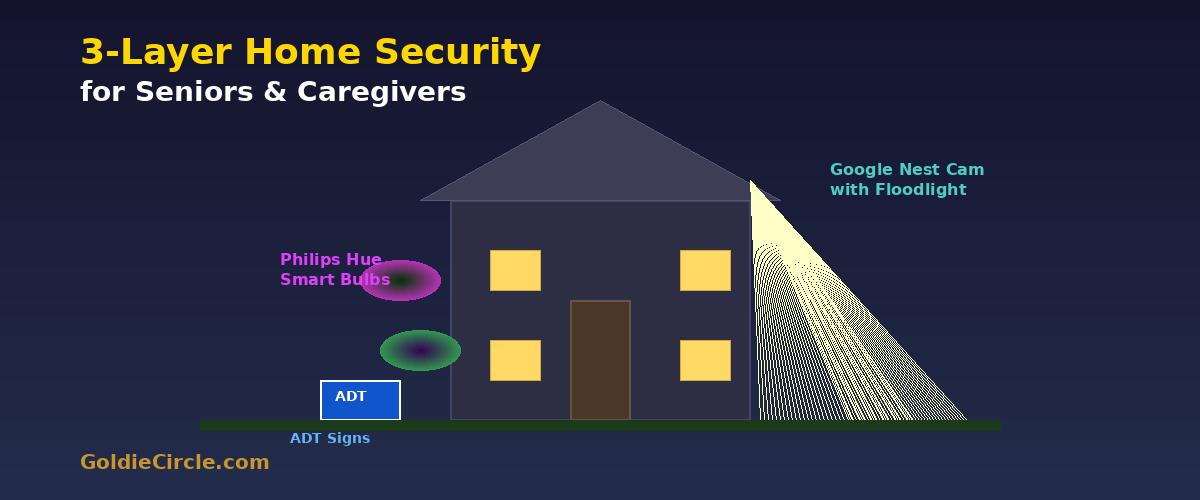
⚠️ REAL-WORLD WAKE-UP CALL: On February 1, 2026, 84-year-old Nancy Guthrie was kidnapped from her Arizona home. Her Google Nest doorbell camera captured footage of the armed, masked intruder – but the camera was at arm’s reach and was disabled. The FBI recovered the footage from backend systems, generating 18,000+ tips. Lesson: a hardwired, high-mounted camera with bright floodlights, outdoor color-shifting smart lights every few seconds at home or on vacation, and visible security signs could have deterred or caught the intruder sooner.
💡 Key Points:
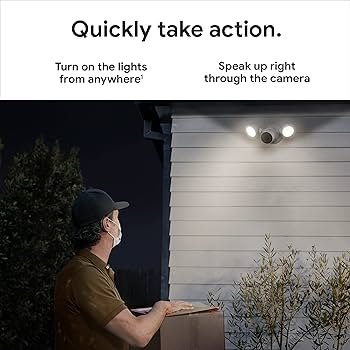
- 📷 Google Outdoor Nest Cam with Floodlight – 1080p HDR camera + dual 2,400-lumen floodlights. Detects people with face-recognition from family members, friends and strangers, animals, and vehicles with AI. Sends instant alerts to your iPhone. Two-way clear audio lets you speak through it like walkie-talkie. Hardwired, no batteries to change, and mounted high so intruders cannot disable it.
No physical interaction needed after install. Caregivers and family monitor everything remotely from their phones.
|
|
|
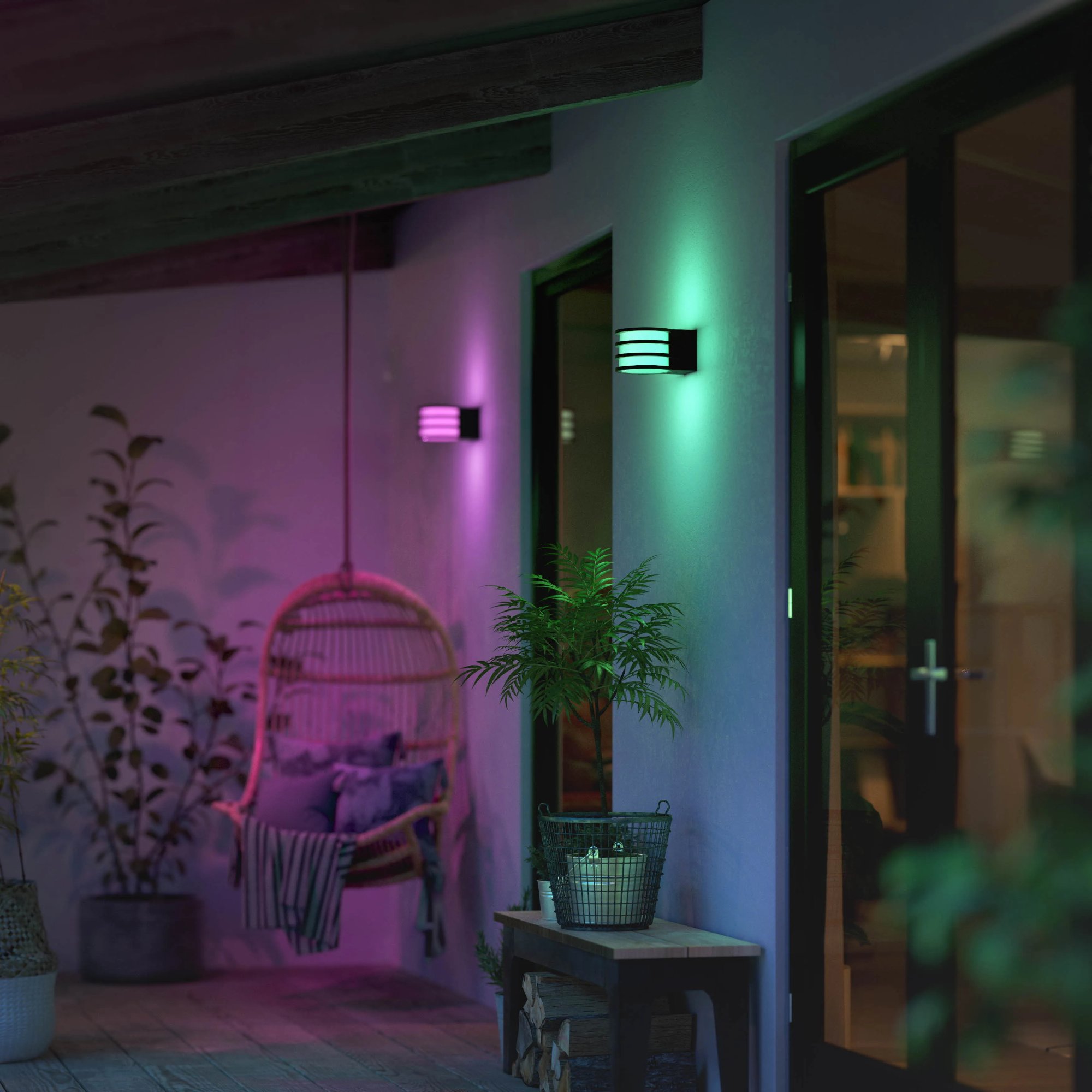
- 💡 Philips Hue Smart Bulbs (2-Pack) – Displays rainbow colors. Auto color-cycle at 9 PM nightly. Voice-controlled – no switches to reach. Fits standard E26.
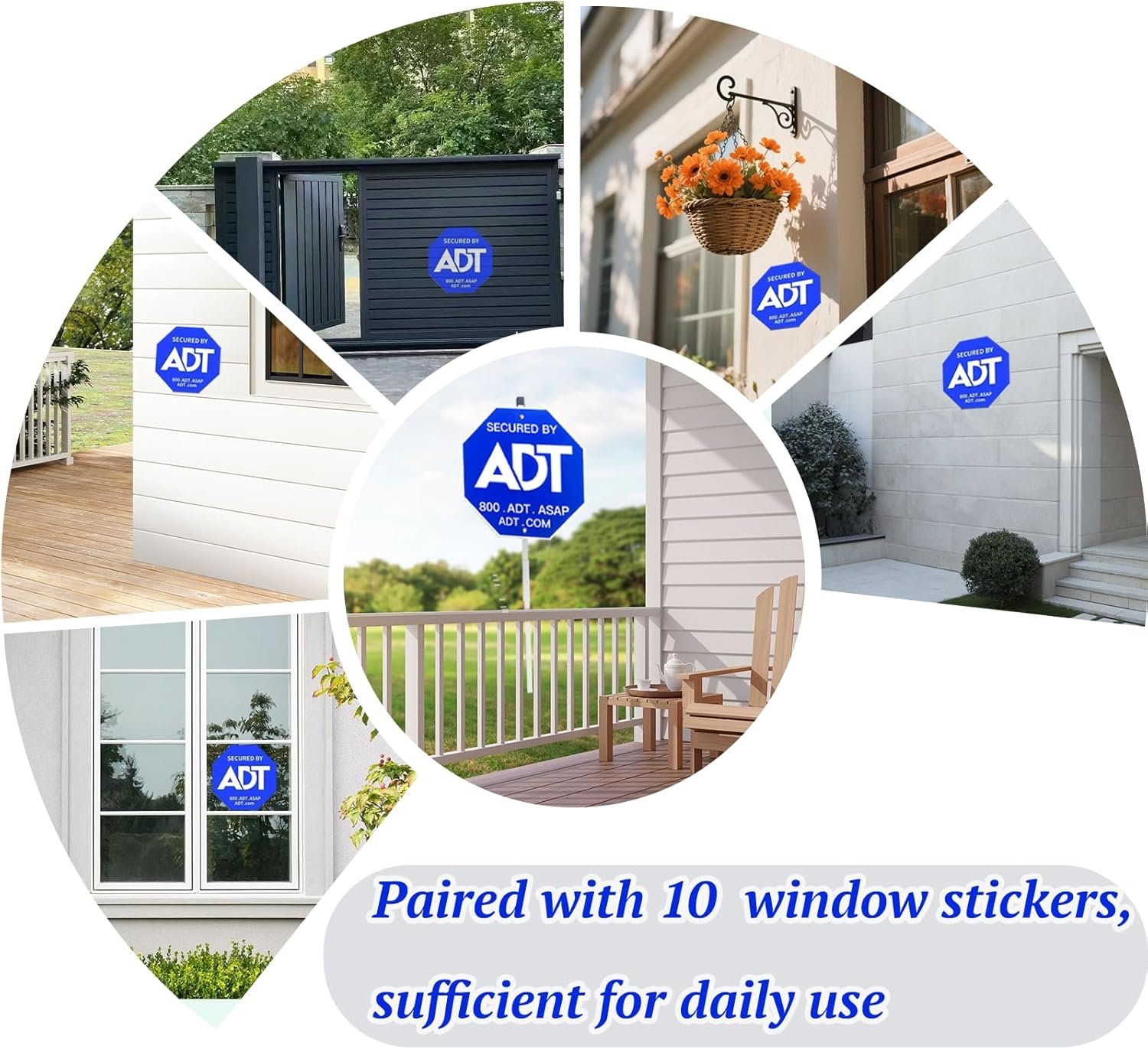
- 🚨 ADT Security Signs & Stickers – Aluminum yard sign + 10 window stickers. Proven visual deterrent. One-time install, zero maintenance.
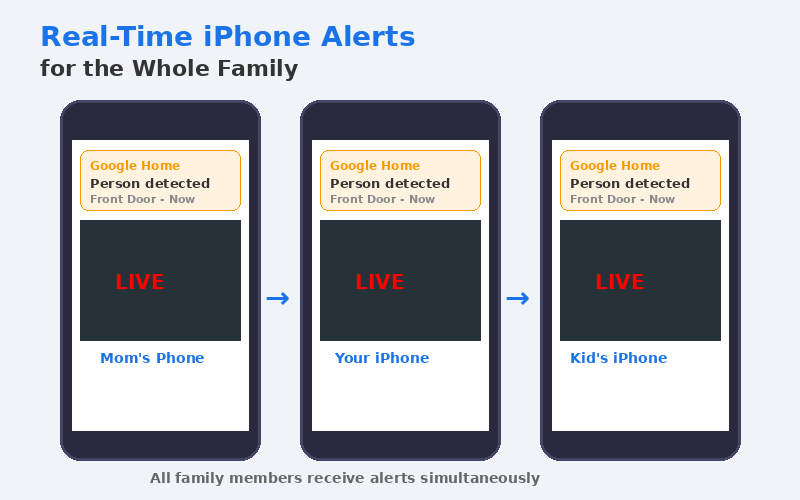
- 📲 iPhone Alerts for the Whole Family – Share camera access so your iPhone, kids’ iPhones, and any family member all get alerts. Each person customizes their own notifications.
|
|
|
🔧 Quick Setup Guides
👉 Ask a caregiver, family member, or electrician to help with installation. Once set up, everything runs automatically but still requires spot checks by caregivers and seniors once in a while.
📷 Google Nest Cam with Floodlight (best to hire electrician to install)
- Turn off power at the circuit breaker for the outdoor light fixture.
- Find a spot that’s very high and hard to reach, connect to the outdoor light fixture, and mount the Nest Cam Floodlight to it. Connect wires (hot, neutral, ground).
- Restore power. Download the Google Home app (free) on your iPhone. Tap “+ Add Device” → scan the QR code on the camera → connect to Wi-Fi.
- Aim the camera at the driveway/front door. Set up Activity Zones in the app (Settings → Activity Zones).
📱 Set Up iPhone Alerts (You + Family):
- In Google Home app: Profile → Home Settings → Notifications → turn ON. Check iPhone Settings → Notifications → Google Home is ON.
- Add family: Settings → Household → Invite member. They install Google Home, accept invite, and get their own alerts.
- Tip: Turn OFF “Do Not Disturb” or add Google Home as an exception so you don’t miss night alerts.
💡 Philips Hue Color-Changing Deterrent Lights
- Screw bulbs into outdoor porch fixtures (standard E26 socket). Turn switch ON.
- Download Philips Hue app (free). Connect the Hue Bridge to your router (recommended for scheduling).
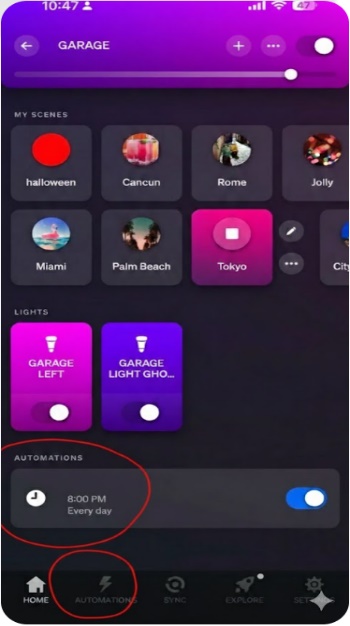
- Create automation: Automations tab → Create → Custom → set 8:00 PM → select outdoor lights → choose color scene (e.g., “Tokyo”) → Every Day → Save.
- Optional: Create a second automation to turn lights OFF at 6 AM. Use “Mimic Presence” when the senior is away.
🚨 ADT Security Signs & Stickers
- Yard sign: Push into the ground near the front walkway, facing the street.
- Window stickers: Peel and stick on the inside of every ground-floor window and all entry doors (front, back, garage).
- Check: Walk around the house – you should see at least one ADT sign from every approach angle.
⚠️ Things to Consider
- Nest Cam requires existing outdoor wiring. No wiring? Hire a licensed electrician.
- Use Hue bulbs in sheltered outdoor fixtures only (covered porch). For fully exposed locations, use Philips Hue outdoor-rated products.
- ADT signs are visual deterrents only – not connected to a monitoring service.
- Strong Wi-Fi at the camera is essential (1GB from Verizon Wireless). Add a mesh extender if the router is far away.
🎁 Buy These Gifts For Loved Ones
|
🎁 Product |
Why It Helps Seniors |
Link |
|
Google Nest Cam with Floodlight x 1 |
Hardwired camera + 2,400-lumen floodlights. Detects people/animals/vehicles. Real-time iPhone alerts. Two-way audio. No batteries to change – zero maintenance for seniors. |
|
|
Philips Hue Essential A19 (2-Pack) |
Display rainbow colors. Auto color-cycle at 9 PM nightly. Voice-controlled – no switches to reach. Fits standard E26 socket. |
|
|
ADT Yard Sign + 10 Window Stickers |
One-time install, zero maintenance. Weather-resistant. Proven visual deterrent. No technology needed. |
|
|
Philips Hue Bridge |
Enables scheduled automations (9 PM color change), “Mimic Presence” mode, and away-from-home control. Controls up to 50 lights. |
|
|
Verizon Home Internet |
1GB Home Internet, it is the fastest internet speed for smart home to connect all smart devices. Ask for seniors and other discounts when apply. |
Photos adopted from Claude, Amazon, Philip Hue, and Google.
Disclaimer: GoldieCircle may recommend third-party products and services based on internal evaluation. Such recommendations do not constitute a warranty or guarantee of performance, suitability, or lifespan. All products are subject to their respective manufacturers’ terms and conditions. GoldieCircle assumes no liability for any claims or damages arising from the use of any recommended product or service.
Reader Feedback
Join GoldieCircle to leave a comment.